Infrastructure
- VoIP
- MikoPBX
- WireGuard
- Cisco
- SIP
- VPN
- Asterisk
MikoPBX over WireGuard with Cisco IP Phones — Production Case Study (2026)
MikoPBX setup with WireGuard VPN and Cisco IP phones. SIP over VPN, TFTP provisioning, Twilio PSTN, and fixes for 32s call drops & one-way audio.
Some business VoIP deployments are straightforward: SIP trunk, desk phones, done. Others need WireGuard VPN because direct SIP to a cloud PBX is filtered or unreliable — common for remote offices connecting to a VPS in the US or EU.
This is a production case study from a real install: MikoPBX on Ubuntu (Docker), wg-easy for WireGuard, MikroTik (or OpenWrt) at the office, Cisco CP-8811 phones on TFTP, and Twilio for PSTN. The office was in Pakistan; the same architecture works for any site that needs encrypted SIP without changing your carrier contract.
If you are comparing platforms first, read FreePBX vs 3CX. For VPN fundamentals, see our WireGuard production guide. Need implementation? Business VoIP setup · WireGuard VPN service · contact.
TL;DR — architecture
Cisco CP-8811 (office LAN)
    → MikroTik / OpenWrt (WireGuard client + policy route)
        → VPS: wg-easy (UDP 51820)
            → MikoPBX / Asterisk (Docker --net=host)
                → Twilio trunk (public IP only)
| Traffic | Address |
|---|---|
| VPN phones (Cisco, Zoiper) | 10.42.42.1:5060 UDP |
| Twilio / PSTN | VPS public IP |
| WireGuard endpoint | PUBLIC_IP:51820 UDP |
Golden rule: Cisco phones behind VPN must not register to the VPS public IP — hairpin and filtered RTP paths break registration and audio.
Why MikoPBX + VPN instead of only FreePBX or 3CX?
MikoPBX is an Asterisk-based PBX with Docker-first packaging and a REST API — good when you want a self-hosted cloud PBX on a single VPS alongside wg-easy. It is not a replacement for every 3CX license model, but for teams already running Linux and WireGuard it is a strong fit.
We chose it here because:
- Docker
--net=hostkeeps RTP port ranges predictable on the VPS - REST API automates extension VPN attributes and firewall local nets
- Asterisk underneath — same PJSIP concepts as FreePBX (custom
pjsip.confincludes) - WireGuard sidecar (wg-easy) SNATs VPN clients to
10.42.42.42so the PBX sees a stable source
Stack we deployed
| Layer | Choice |
|---|---|
| VPS | Ubuntu 22.04, Docker |
| PBX | MikoPBX (latest stable image, --net=host) |
| VPN | wg-easy on 10.8.0.0/24, office peer on MikroTik |
| Office router | MikroTik (OpenWrt path tested equivalently) |
| Phones | Cisco CP-8811, enterprise SIP firmware |
| PSTN | Twilio SIP trunk + inbound DID |
| Provisioning | TFTP at office (SEP{MAC}.cnf.xml) |
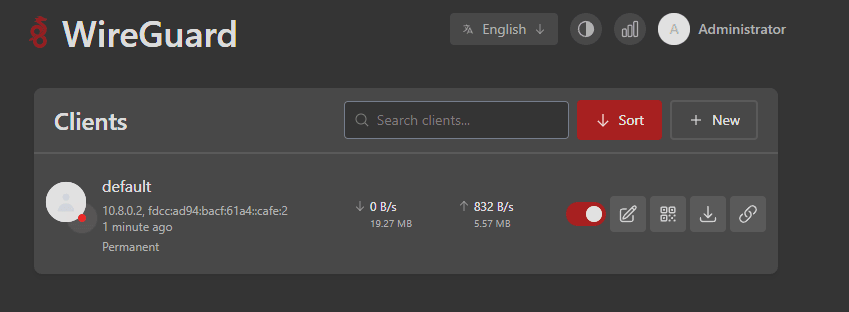
Office router: policy routing to the PBX
The MikroTik (or OpenWrt) router runs a WireGuard client and policy-based routing so only PBX traffic (10.42.42.1) crosses the tunnel — general internet stays local. That keeps latency reasonable for browsing while SIP/RTP to the VPS is encrypted.
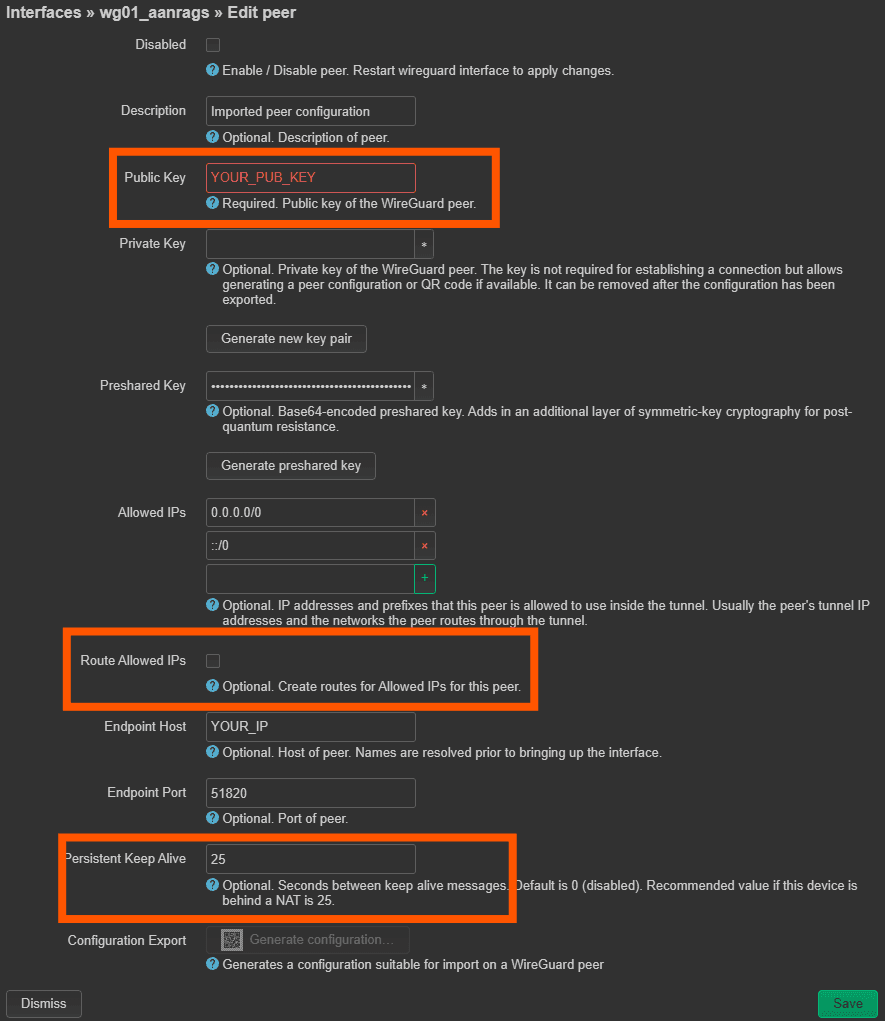
On the VPS, after wg-easy install:
sudo bash wg-easy/configure-host-routing.sh # required for VPN audio
Then open RTP on the Docker bridge (symptom: SIP registers, no audio):
BR=$(docker network inspect wg_wg -f '{{.Options "com.docker.network.bridge.name"}}')
sudo ufw allow in on "$BR" to any port 10000:60000 proto udp
sudo ufw reload
Cisco CP-8811 — TFTP provisioning over VPN
Tested model: Cisco CP-8811, enterprise firmware sip88xx.14-0-1-0201-171. MPP firmware phones use a web UI instead of this XML — same SIP ideas, different files.
Critical TFTP / SIP settings:
| Setting | Value | Why |
|---|---|---|
processNodeName / proxy | 10.42.42.1 | VPN SIP server |
transportLayerProtocol | 2 (UDP on enterprise 88xx) | Match PJSIP UDP |
useOutboundProxy | false | Less signaling delay |
enableVad | false | Avoid clipping on VPN |
preferredCodec | g711ulaw | Match trunk and PBX |
| RTP range | 16384–32766 | CP-8811 rejects 10000–60000 |
natEnabled / natReceivedProcessing | true | Behind office NAT |
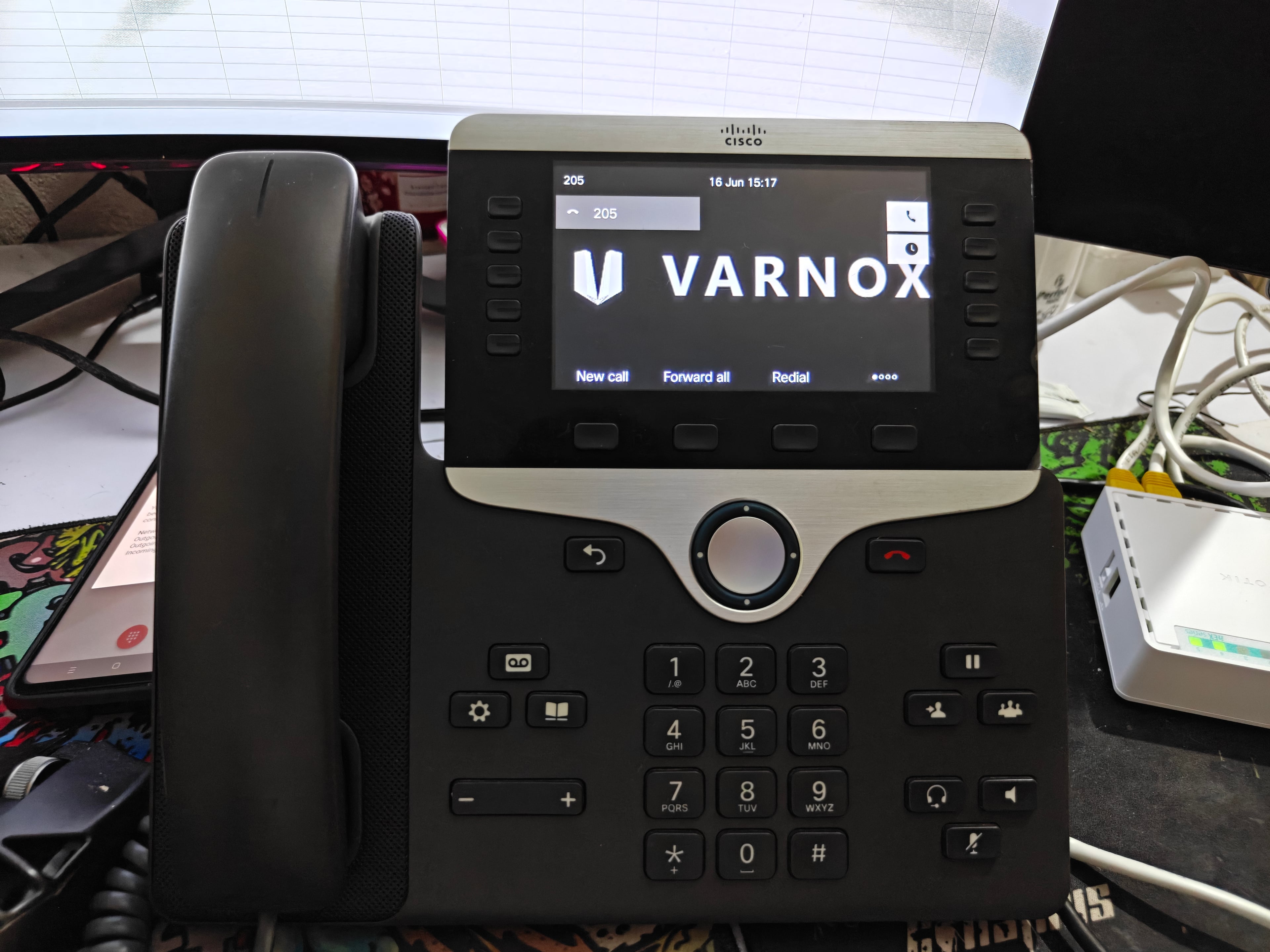
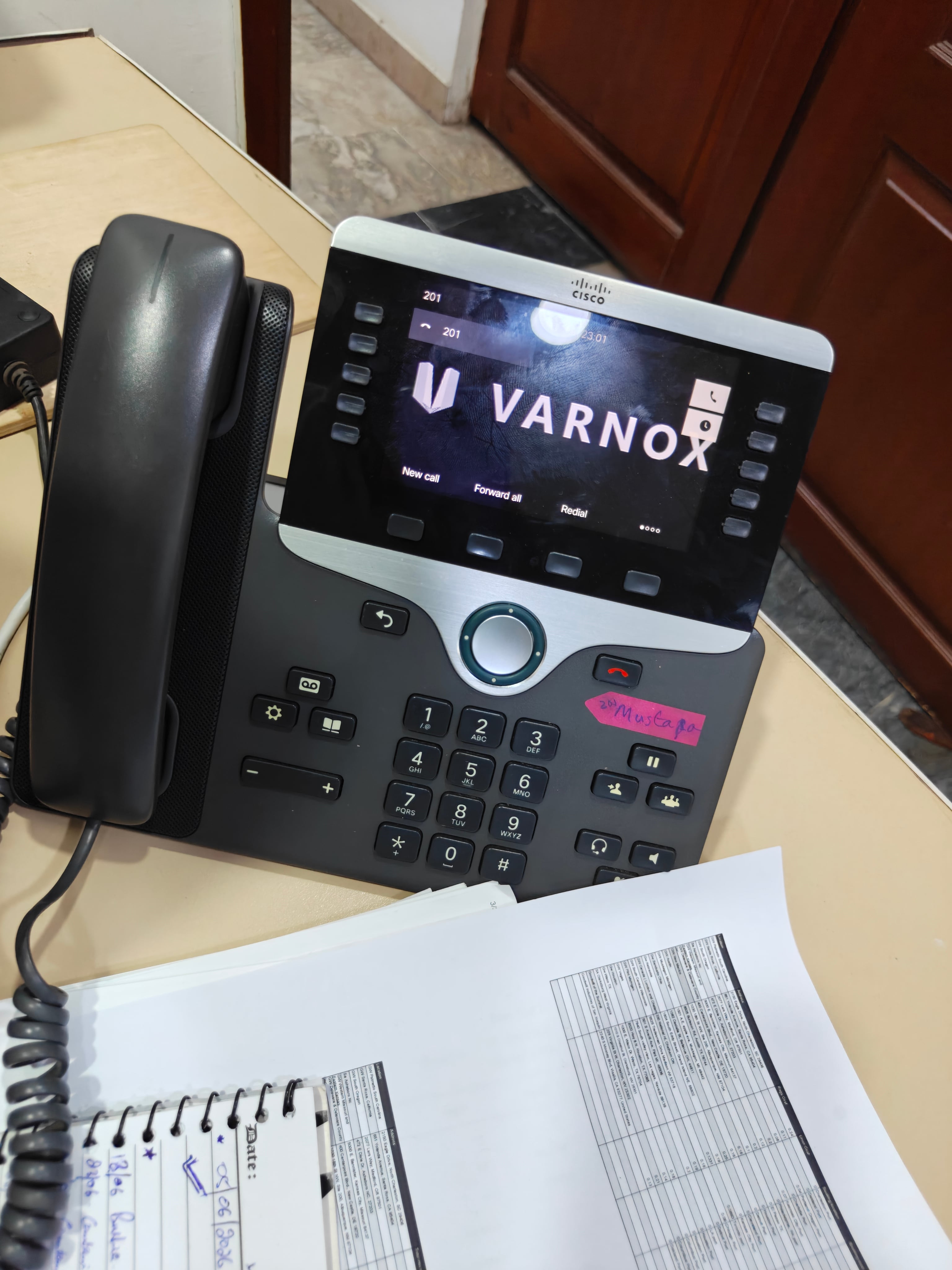
Ignore TFTP errors for CTLSEP*.tlv / ITLSEP*.tlv on third-party PBX — normal.
Asterisk / MikoPBX fixes that matter
1. Firewall local networks
Add 10.42.42.0/24 (Docker wg bridge) and office LAN to MikoPBX firewall local nets. Without it, ACL denies VPN SNAT source 10.42.42.42.
2. pjsip.vpn-fix.conf
Include a custom fragment that sets:
[global]
type=global
local_net=10.42.42.0/24
local_net=10.8.0.0/24
local_net=172.16.10.0/24   ; office LAN — adjust to your site
Reload PJSIP after include in pjsip.conf.
3. The 32-second drop
If internal calls die at ~32 seconds, check pjsip show contacts — contact URI must stay Avail with source 10.42.42.42. Usually local_net or extension NAT settings were wrong.
4. Twilio inbound
PSTN trunks use public IP authentication and IP ACL on Twilio — never point carrier trunks at 10.42.42.1. Inbound DIDs need an incoming route + ring group to VPN extensions.
Softphone sanity check (Zoiper)
Before debugging hardware, validate VPN + SIP with Zoiper on a laptop on the office LAN:
- Server:
10.42.42.1 - STUN: off (VPN path already handles NAT context)
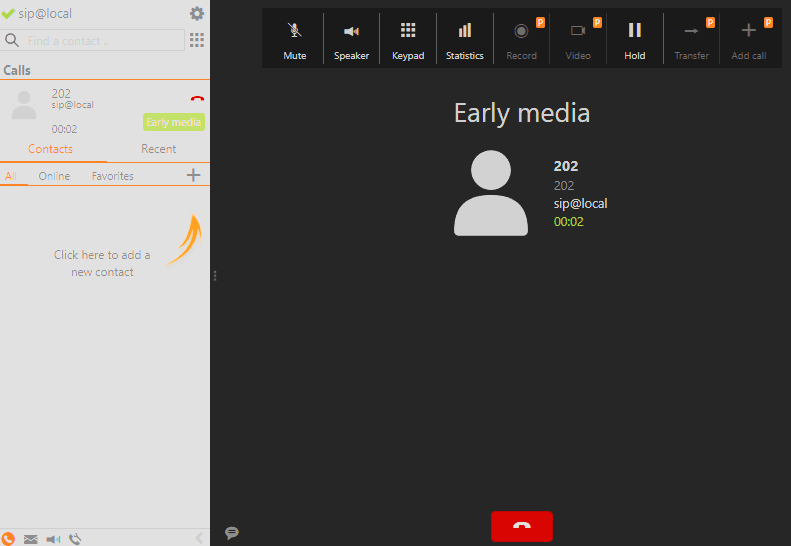
Video — VPN call test (extension + PSTN)
Production call flow over WireGuard — registration, two-way audio, and stable call past the 35-second mark (after fixing PJSIP local_net / 32s drop):
Test checklist we use on go-live
[ ] Router pings 10.42.42.1 over WireGuard
[ ] asterisk -rx "pjsip show contacts" → Avail from 10.42.42.42
[ ] Echo test *10003246* — hold 30+ seconds
[ ] Extension ↔ extension — past 35 seconds
[ ] Outbound PSTN — two-way audio, CDR billsec matches talk time
[ ] Inbound DID — ring group reaches Cisco
[ ] Disable SIP ALG on office router
When this pattern fits your business
| Scenario | Fit |
|---|---|
| Remote office in a filtered region | Strong — VPN carries SIP/RTP |
| US/EU team, cloud PBX, no filtering | Direct SIP may suffice — compare FreePBX vs 3CX |
| 5–50 employees, desk phones + softphones | Strong — CP-8811 class hardware |
| Need mobile apps only, no VPN ops | Consider 3CX native apps vs self-managed stack |
Related services
- Business VoIP setup — MikoPBX, FreePBX, 3CX, Twilio, porting
- WireGuard VPN setup — office tunnels, split routing, key rotation
- Linux server administration — VPS hardening before you expose UDP 51820
- Remote IT support — ongoing ops after cutover
Book a free consultation on the contact page if you want written scope for a similar MikoPBX + VPN + Cisco deployment — Pakistan, US, or any remote site.